
Who this is for
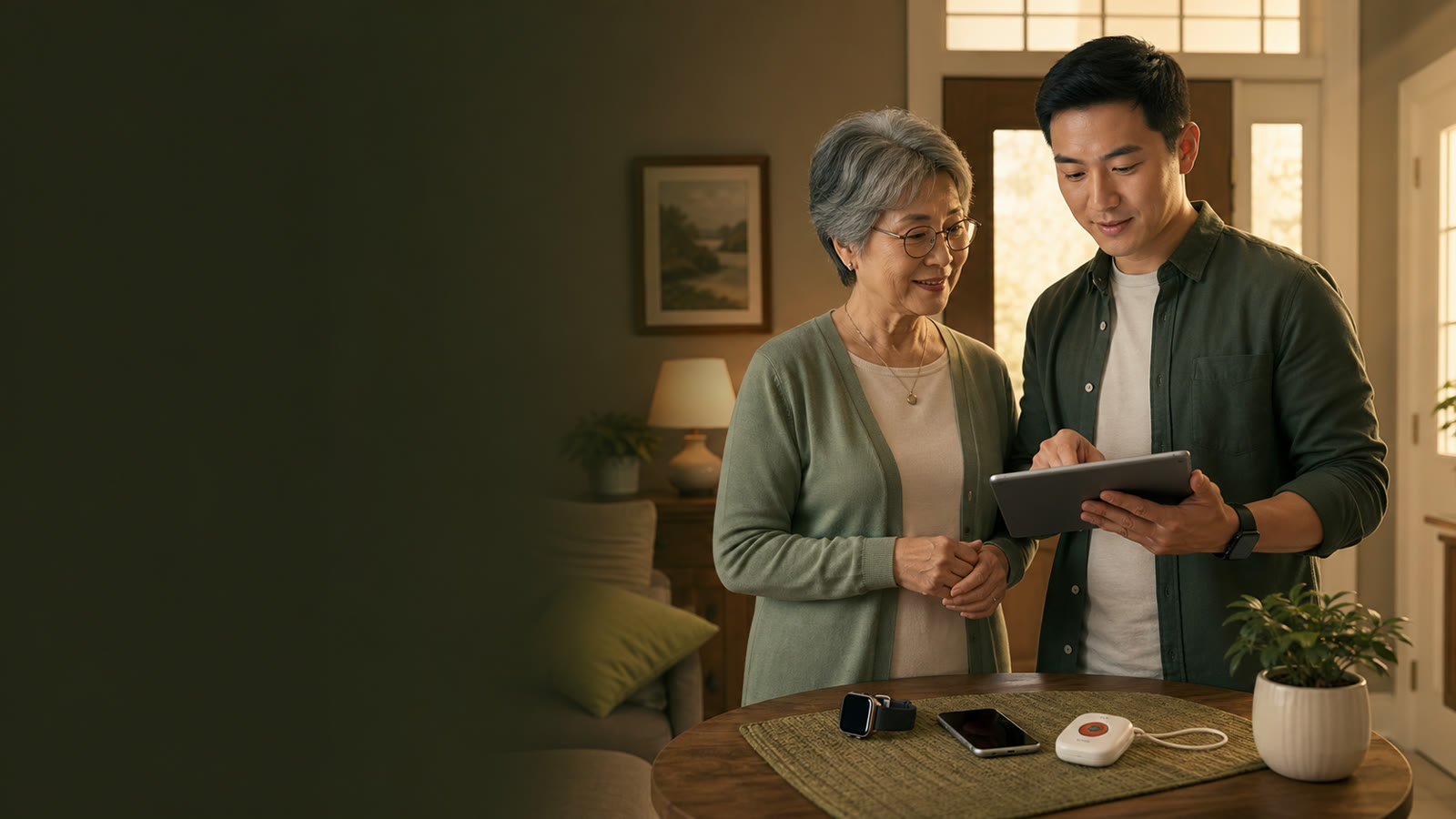
This guide is for adult children and family caregivers helping an aging parent who lives alone and needs a clearer response plan, not just more hardware.
The goal is to compare how help starts, who responds, what the device costs over time, and whether the parent will actually wear and charge it.
Medical alert system vs smartwatch
Fall detection, emergency buttons, watches, and home sensors can be useful, but none of them can guarantee safety. Families should compare the full response workflow before assuming any device solves the problem.
| Option | What to compare | Possible friction | Question before buying |
|---|---|---|---|
| Medical alert system | Monitoring center, pendant or wrist button, home and mobile coverage, monthly cost. | Contracts, device comfort, charging, and false alarms. | Who is called first, and what is the cancellation policy? |
| Smartwatch | Fall detection availability, cellular plan, battery life, emergency contact workflow. | Charging every day and small-screen prompts. | Will the parent wear and charge it consistently? |
| Smart speaker or display | Voice calling, reminders, routines, and family check-ins. | Wi-Fi dependency and voice recognition issues. | Can the parent use the command during stress? |
| Family check-in routine | Daily call, shared calendar, medication reminder, neighbor backup. | Human consistency and missed signals. | What is the escalation plan after a missed check-in? |
Response workflow checklist
Confirm whether alerts go to family, a monitoring center, emergency services, or a sequence of contacts.
Test cellular or Wi-Fi performance in the bedroom, bathroom, kitchen, yard, and common walking routes.
Compare activation fees, monthly plans, equipment fees, trial periods, and cancellation rules.
Run a non-emergency test so the parent knows what button, watch, or voice command does.
Monthly cost and contract questions
- Is the service month to month, prepaid, or under contract?
- Are activation, replacement, or cancellation fees clearly explained?
- Does mobile coverage or fall detection add an extra monthly charge?
- Can the family test support before the return window closes?
Product categories to compare later
Keep the public CTA on Parent Tech Checklist pages until approval, payment setup, tracking, and terms proof are complete for any affiliate program. Use this guide to narrow the category before comparing vendors.
| Category | Potential fit | What to compare first |
|---|---|---|
| Motion-sensor night lights | Homes where hallway, bathroom, or kitchen visibility is part of the family checklist. | Placement, brightness, battery or outlet fit, and whether they support a calmer night routine. |
| Large-display clocks | Parents who benefit from clearer time, day, and routine cues. | Visibility from bed or kitchen, contrast, alarms, and whether reminders reduce missed check-ins. |
| Smart speakers or displays | Homes that benefit from voice calling and routine check-ins. | Voice-calling setup, Wi-Fi reliability, and whether the parent can use it under stress. |
What this does not solve
No watch, pendant, speaker, or checklist can guarantee safety, prevent every fall, or replace emergency services.
These tools also do not replace family judgment, local support, medication routines, or home-safety planning. The realistic goal is to reduce response friction and make the next step clearer for everyone involved.