
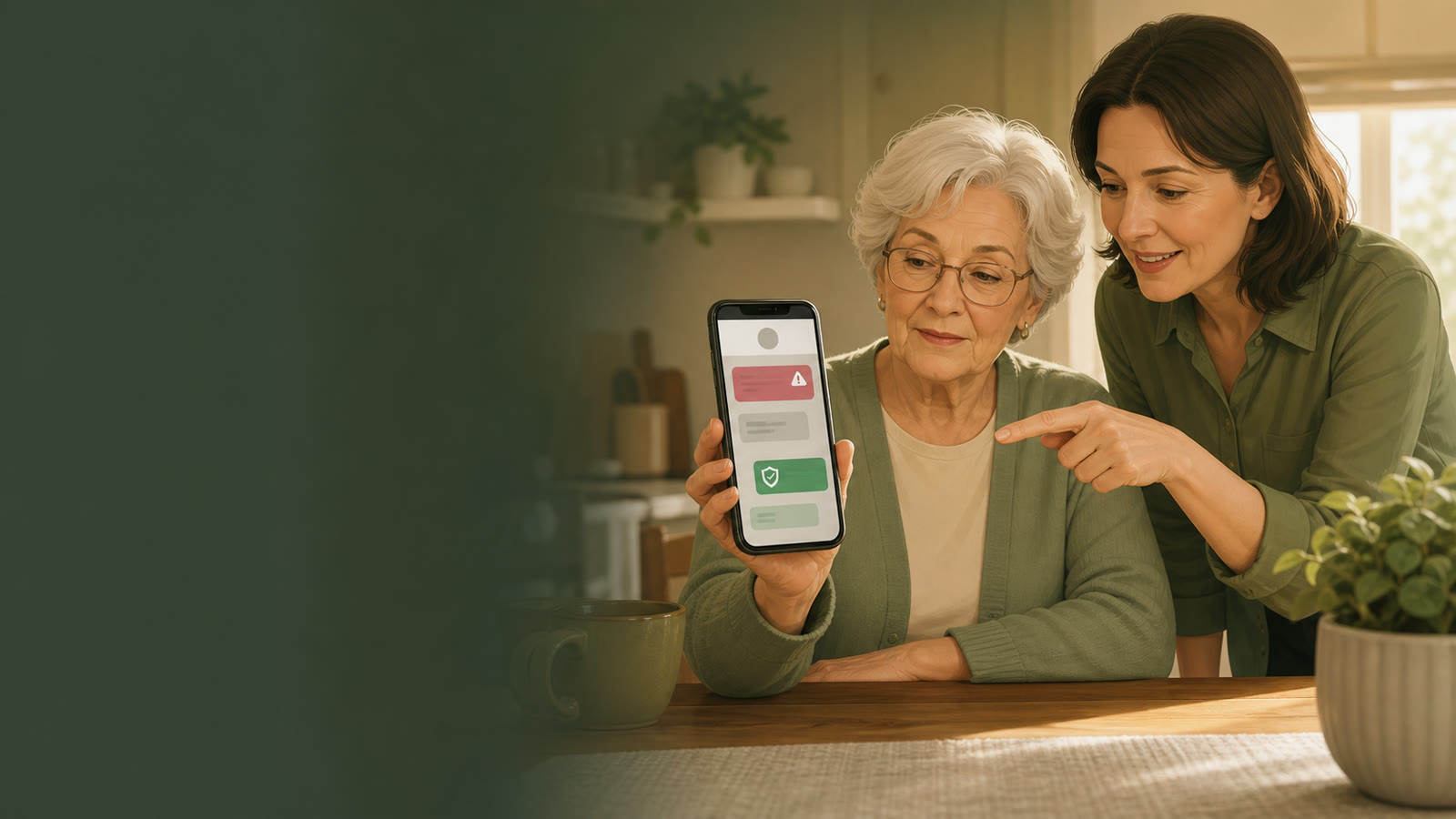
Compare tools by friction, not fear
No tool can stop every scam or verify every caller. A useful setup combines phone settings, carrier tools, contact habits, and a family rule for suspicious messages.
| Layer | What it can help with | Limit to explain | Setup question |
|---|---|---|---|
| Phone settings | Silence unknown callers, block repeat nuisance numbers, filter unknown senders. | Important calls may be missed if the contact list is incomplete. | Who must always get through? |
| Carrier call protection | Flag or filter likely spam based on network signals. | Labels can be wrong and features vary by plan. | Is it included, and can family review settings? |
| Third-party blocker | Extra call labeling, lookup, and spam reports. | May require subscriptions or permissions. | Will the parent understand alerts and prompts? |
| Family rule | Creates a pause before money, passwords, codes, or links. | Requires repetition and calm follow-up. | What exact phrase should your parent remember? |
Family setup checklist
Add doctors, pharmacy, bank, close family, neighbors, and care contacts before enabling aggressive filters.
Use a plain rule such as: if money, password, code, or urgent pressure is mentioned, hang up and call family first.
Teach opening known apps directly instead of tapping links from unexpected texts.
Check blocked calls, missed calls, and confusing prompts together so settings do not become a new problem.
Amazon comparison links
Use these links to compare categories after the family pause rule is in place. No call blocker can stop every scam, and aggressive filtering can hide legitimate calls if the contact list is incomplete.
| Tool path | Why compare it | Amazon link |
|---|---|---|
| Landline call blockers | Helpful for homes where nuisance calls still arrive on a landline. | Compare landline call blockers on Amazon |
| Simple phone accessories | Labels, stands, and charger placement can reduce call-back confusion. | Compare senior phone accessories on Amazon |