
Practical tech for aging parents
Parent Tech Checklists for Families
Clear buying checklists for adult children helping older parents choose phones, reduce call friction, make video calls easier, and compare living-alone safety tools.
Start with one problem. Each guide gives three steps, stopping rules, and official sources.

This week's checklist
Living Alone Safety Tech for Aging Parents
Compare the response workflow before buying a watch, pendant, or monitoring plan. The checklist helps families review alerts, charging, backup contacts, and monthly-cost tradeoffs without making false safety promises.
Start here
What does your family need help with?
Choose the closest problem. You can change guides at any time.
Featured guides
Each guide is written for families, with conservative claims and Amazon comparison links clearly disclosed where they appear.

One calm parent-tech task per day
Start with the routine, make one reversible change, and test the family handoff.

Best phones for seniors
Compare simple phones, iPhones, Android phones, and setup friction before buying.
Scam and call safety
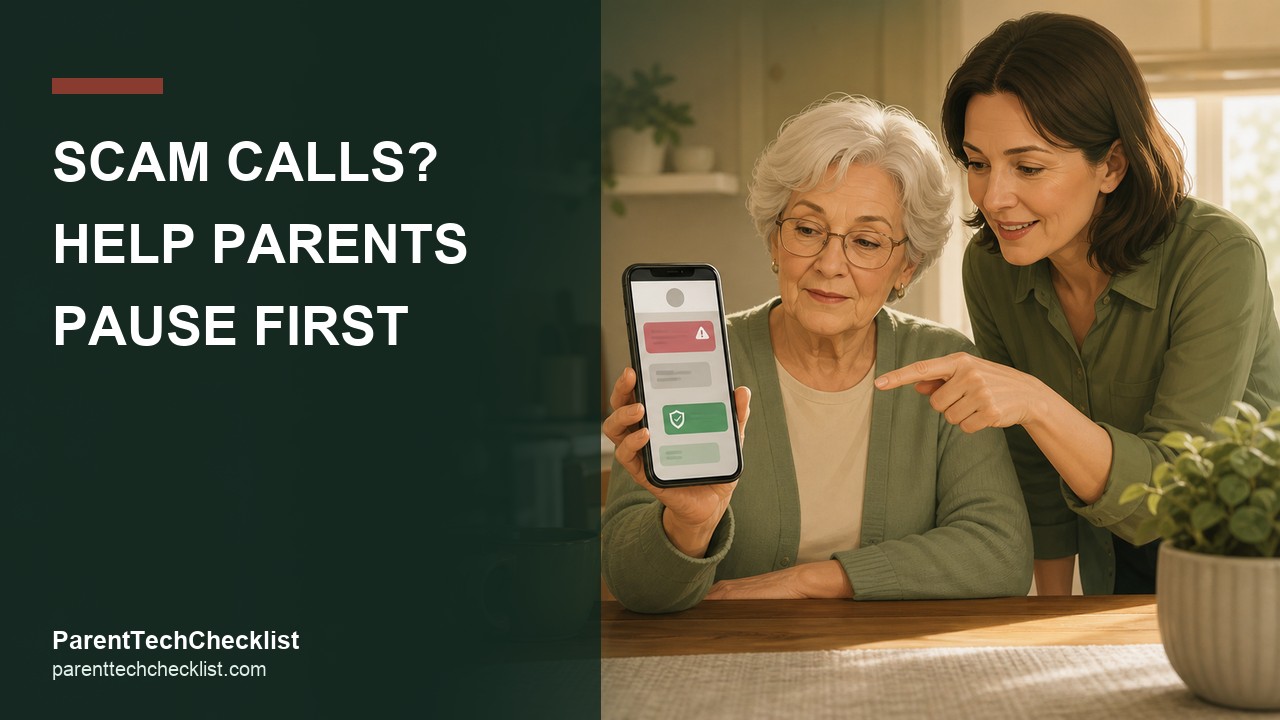
Reduce unwanted call friction and help older parents slow down before tapping links.

Video calling devices
Choose between phones, tablets, and smart displays for easier family calls.

Living alone safety tech
Compare smartwatches, medical alert systems, and home check-in workflows.
Medication reminders
Set up a reliable family check-in routine before buying reminder devices.
Premium kit
Want the full 7-day setup pack?
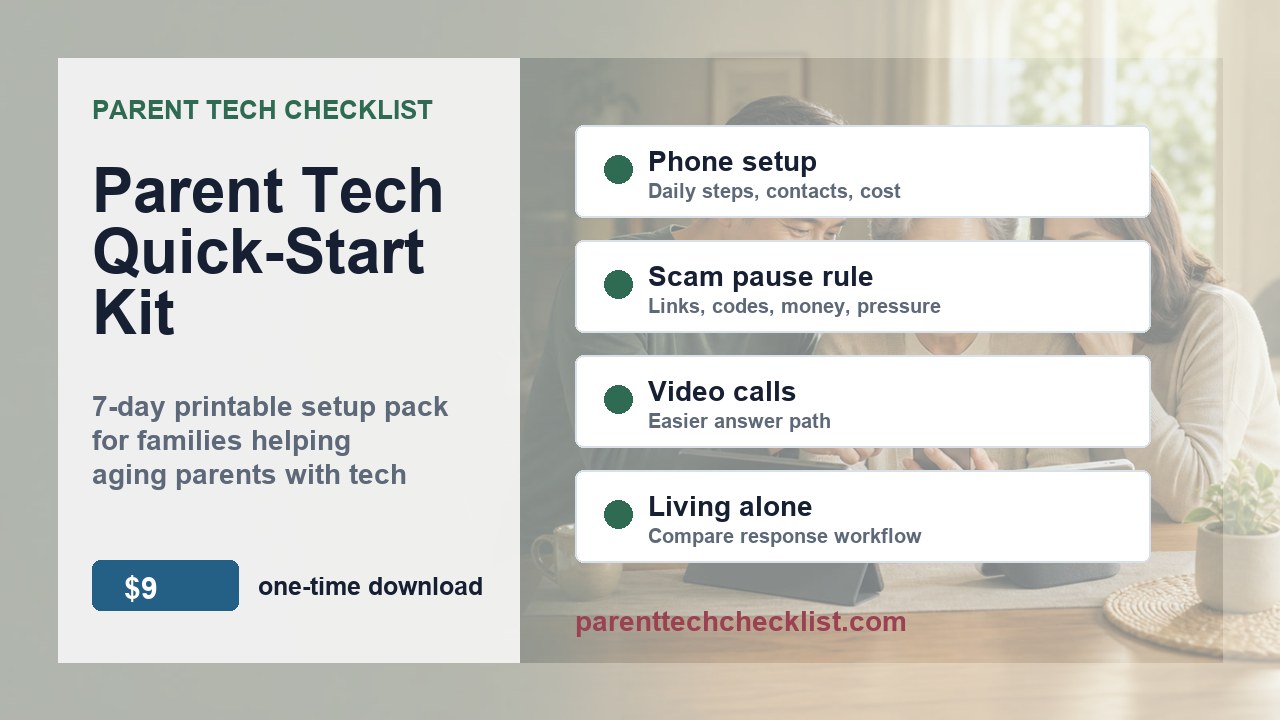
The Parent Tech Quick-Start Kit turns the free checklists into a printable one-week workflow for phone setup, scam call habits, video calling, and living-alone technology comparison.
- Best when you are comparing more than one device or setting.
- Built for a family handoff, not a technical spec review.
- Printable, reusable, and delivered through Gumroad after checkout.
How we choose what to compare
These guides are written around family setup friction, not brand hype. Amazon comparison links are disclosed where used; other vendor links stay pending until approval and tracking are confirmed.
Affiliate disclosure: As an Amazon Associate I earn from qualifying purchases. Some links may be affiliate links, which means Parent Tech Checklist may earn a commission if a purchase or signup happens through an approved partner.
Safety note: These guides are general technology comparisons for families. They are not medical, legal, financial, or emergency advice, and no device can guarantee safety or stop every scam.